One keystroke. Every tool.
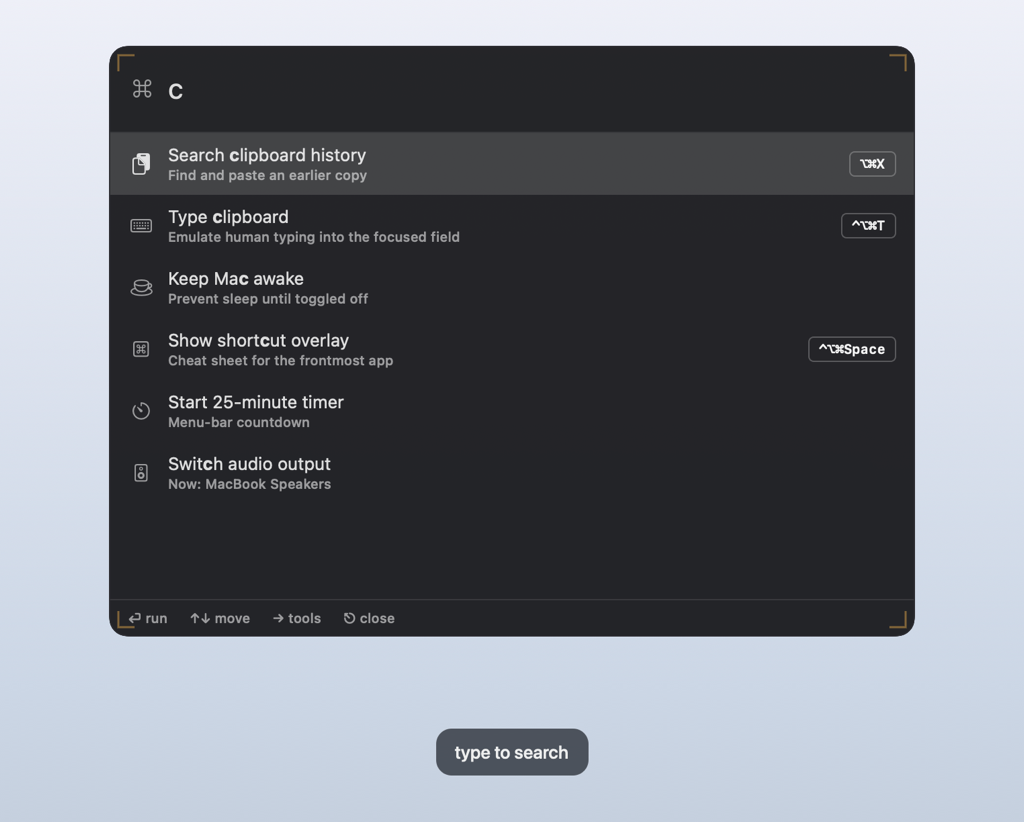
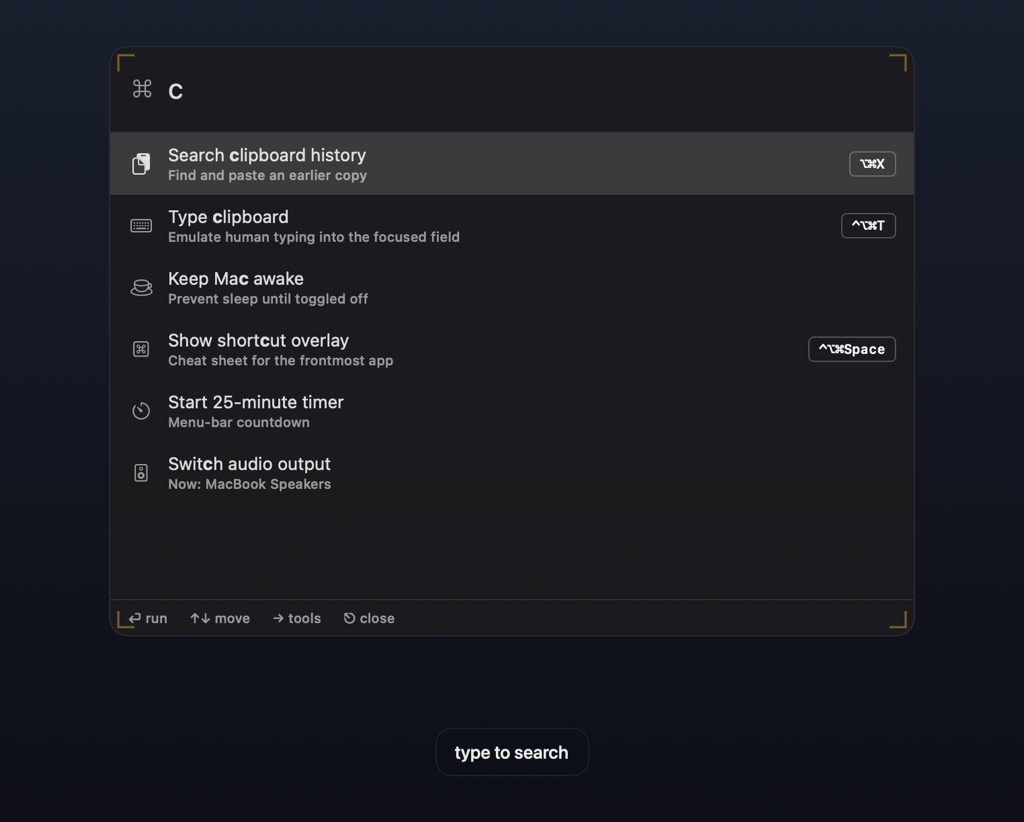
Frisket puts a command palette, your entire clipboard history, and a bench of keyboard tools over whatever app you are in. Press Escape and it is gone.
Notarized & Developer ID-signed·macOS 14+·Apple Silicon and Intel
Checkout and the free 14-day trial both open at launch.
Watch it work.
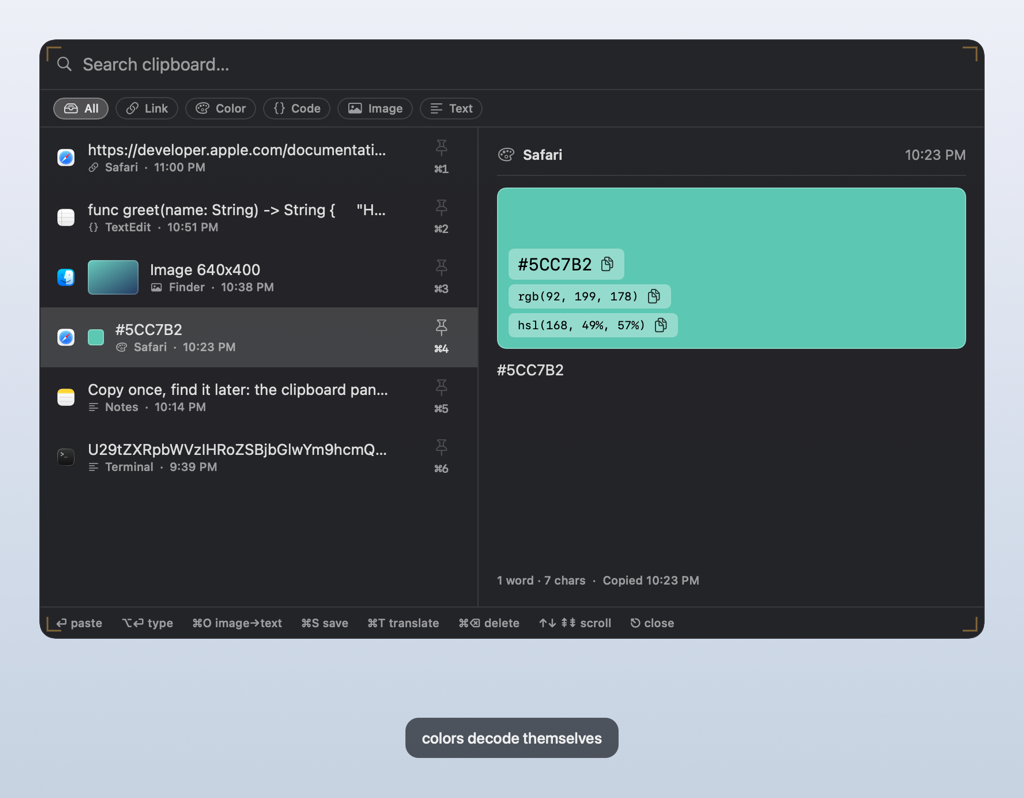
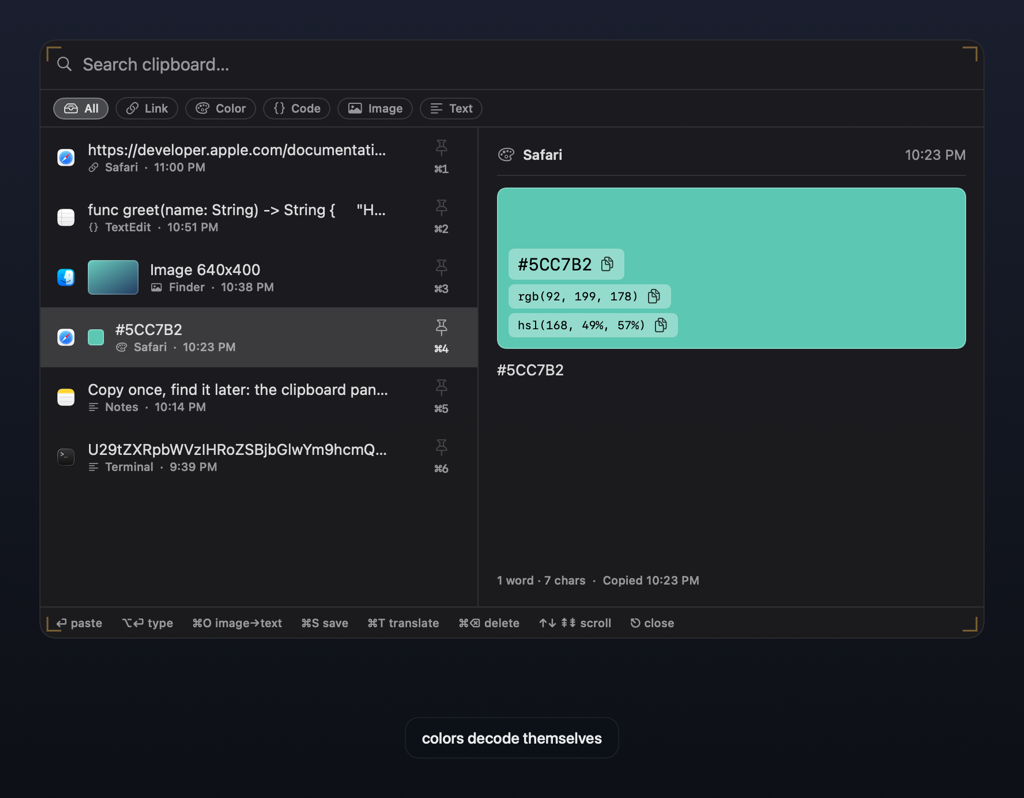
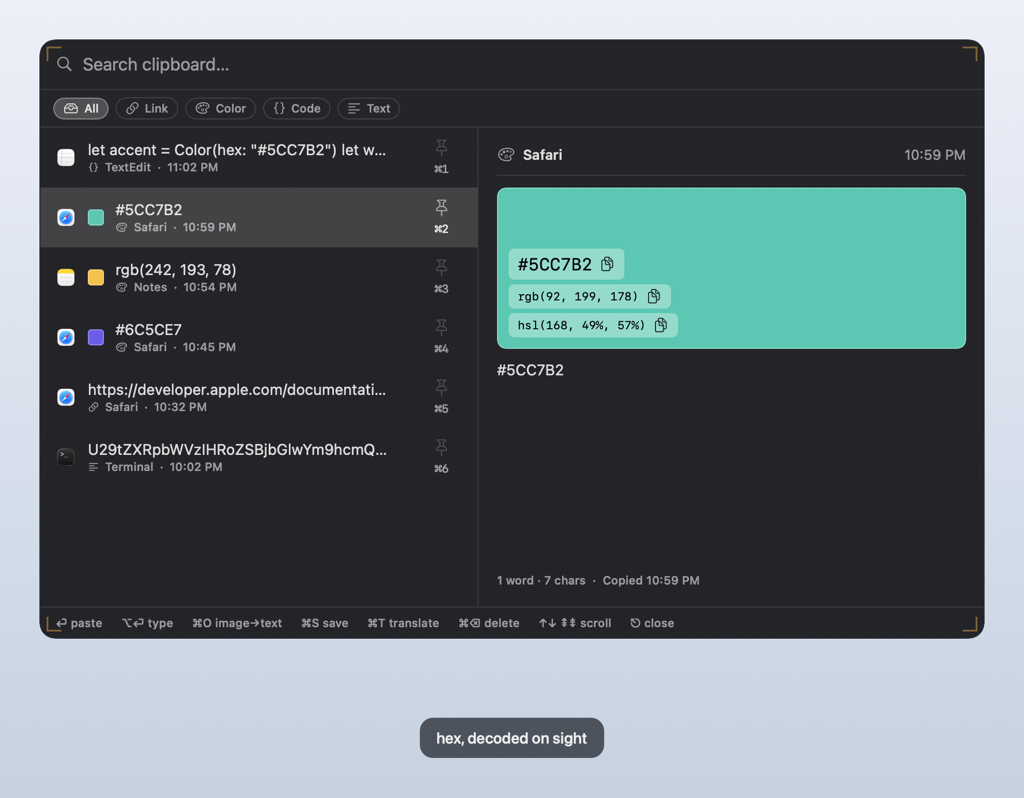
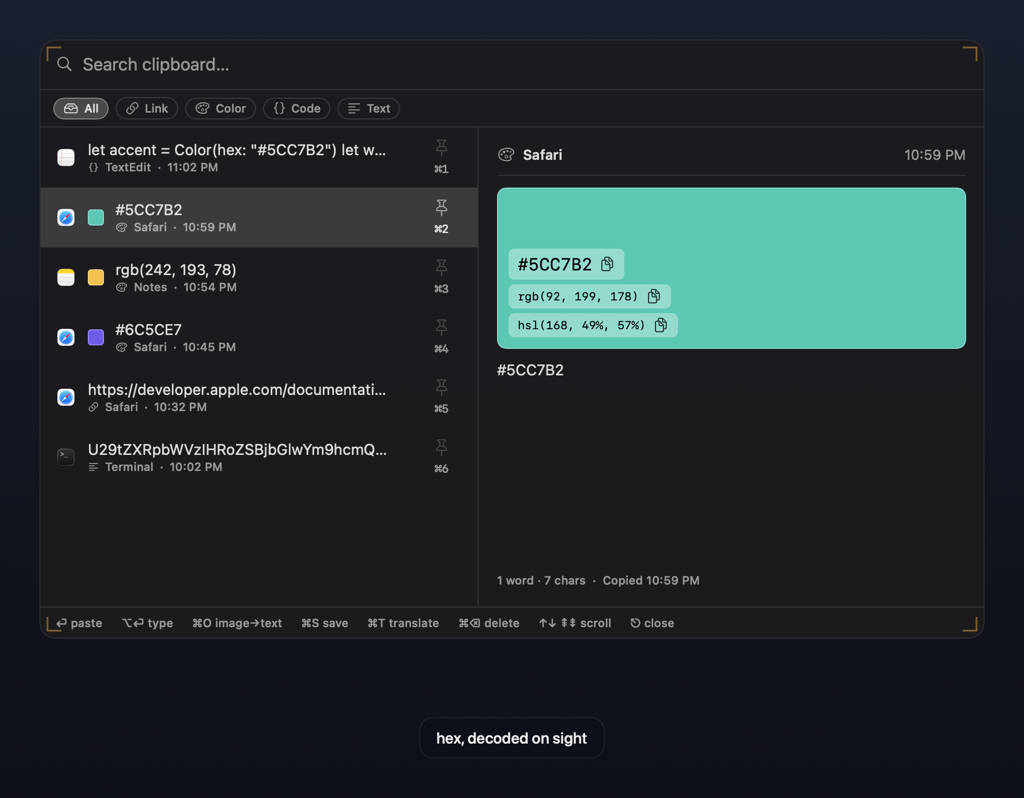
rgb() and
hsl(), one click from your clipboard.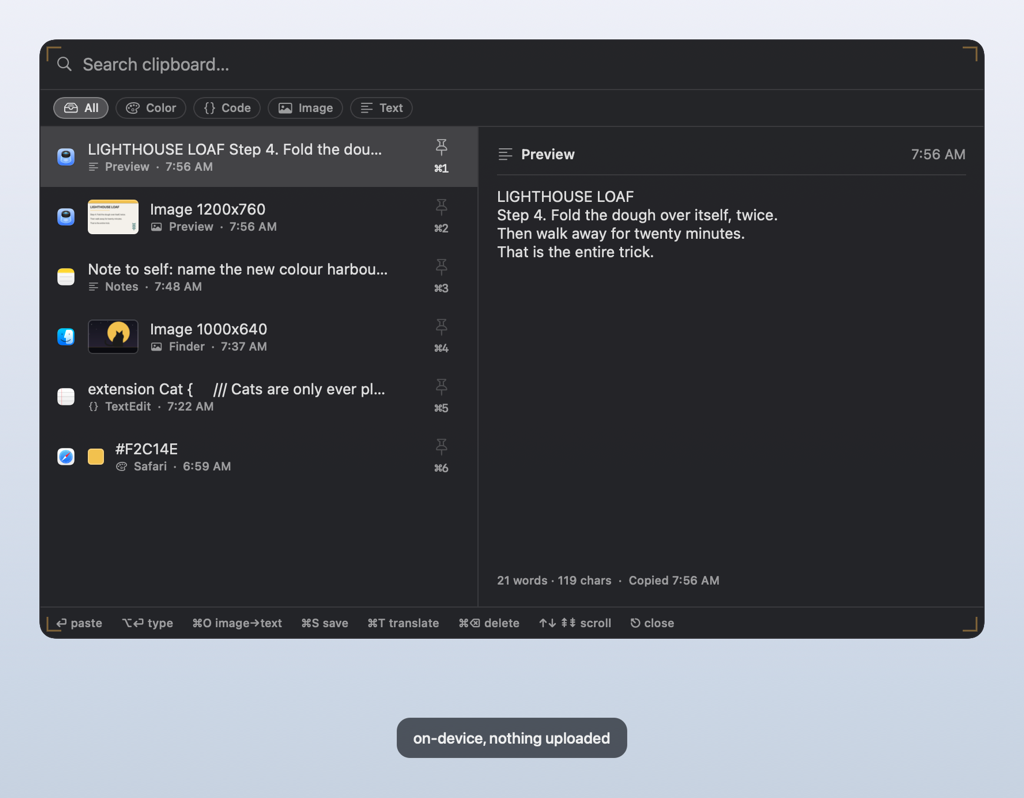
Fourteen tools. One thing to remember.
Everything lives in the palette, so there is nothing to memorise. Give a hotkey to the two or three you reach for all day.
Command palette
One fuzzy field for every app and every action.
Clipboard history
Everything you copied, searchable over any app.
Human-like typing
Types your clipboard where pasting is blocked.
Cheat-sheet overlay
The keys for the app in front of you.
Overlay packages
Timed reference overlays, custom or pre-packaged.
Clipboard transforms
Case, JSON, Base64 and sort, straight from history.
Snippet expander
Type a trigger anywhere, get your text.
Symbol & emoji picker
A searchable grid, driven entirely from the keyboard.
Calculator & units
Math, percentages and conversions in the palette.
Window tiling
Snap the front window to halves and quarters.
System toggles
Keep awake, dark mode and audio output.
Timers & Pomodoro
Countdowns, focus cycles and guided breaks.
Focus mode
Keeps Frisket quiet in meetings and screen shares.
Contextual actions
Grab the browser tab's URL or the Finder path.
One chord brings a tool forward.
Frisket lives in the menu bar. Nothing opens a window you did not ask for.
- ⌃⌥⌘P The palette. Type a few letters. Return runs the top result.
- ⌃⌥C Clipboard history. Search, arrow, Return. It pastes back where you were.
- ⌃⌥⌘T Type the clipboard. Human cadence, for fields that refuse a paste. Any real keypress stops it.
- ⌃⌥⌘Space The cheat sheet. Every shortcut for the app in front of you.
All of these work with no permissions granted. Only typing and paste-back need Accessibility, and Frisket asks the first time you use them. The setup guide has the rest.
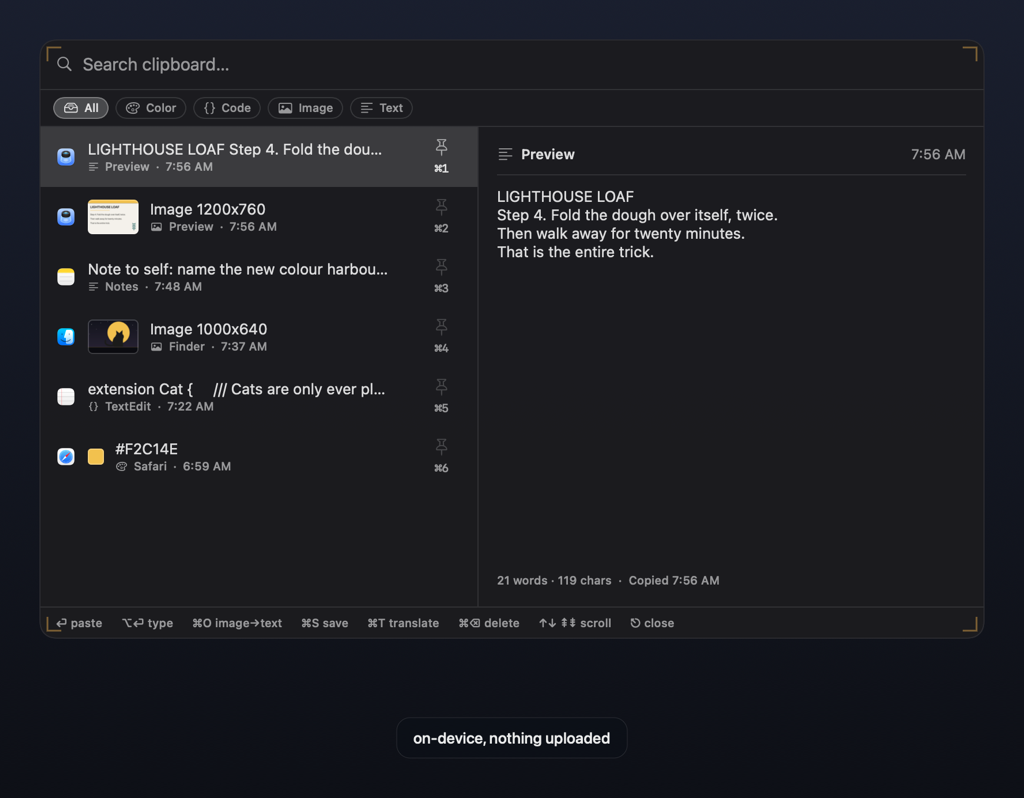
Your data stays yours. It never reaches our servers.
On-device
Keystrokes, clipboard, everything Frisket sees is processed on your Mac. No telemetry. No analytics.
Your iCloud, not ours
Optional clipboard sync runs between your own Macs through your own iCloud. We never see it.
Every byte named
A license check sends your key, a hashed machine identifier, and the app version. Nothing else.
Every network request the app can make is listed on the privacy page.
Two ways to own it.
Every feature in both, on up to three of your Macs.