The keyboard power layer for macOS.
A command palette, clipboard history, human-like typing, and a bench of keyboard tools that float over whatever app you are in. Summoned by hotkey, gone on Escape. Your data stays yours: on your devices, never on our servers.
Notarized & Developer ID-signed·Free 14-day trial, no payment·macOS 14+·Apple Silicon
Checkout and the 14-day trial both open at launch. The trial is the complete app, and it starts on your Mac with no account, no card, and no network connection.
From the current build.
Every panel floats over the app you are in and leaves your focus where it was.
Everything in these shots runs on your Mac. Every network request the app can make is listed on the privacy page.
Watch frisket work.
Three short loops, no sound. The app draws them itself, from the same palette and clipboard panel you get after installing, over sample clips.
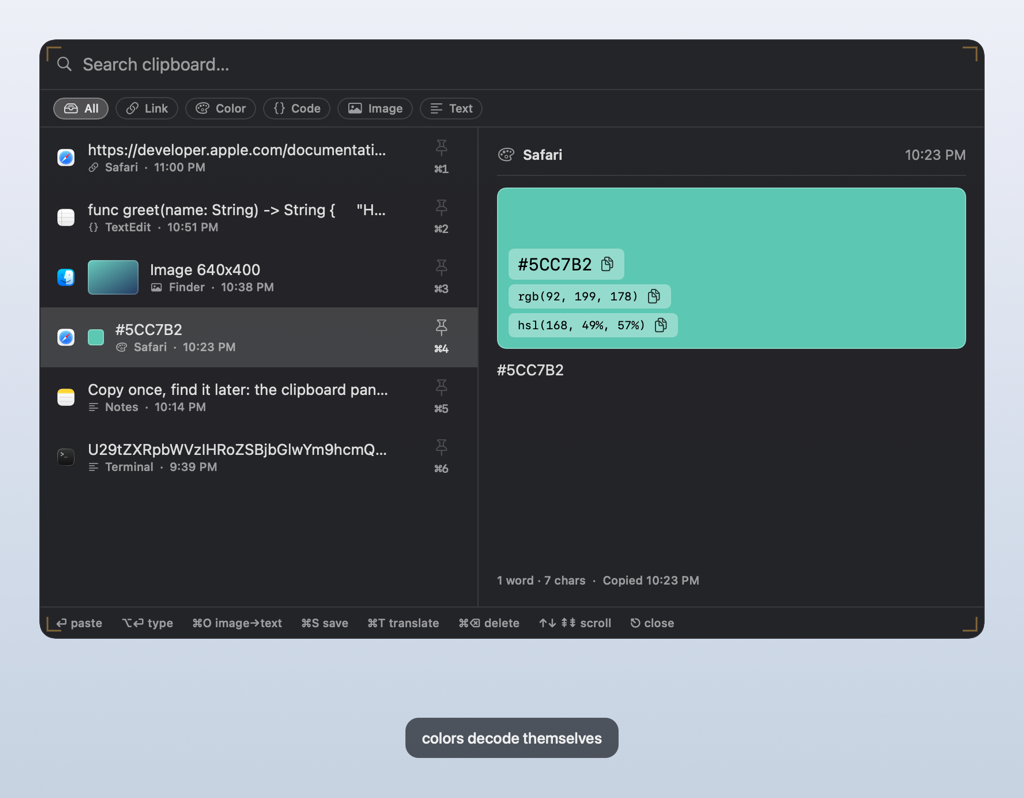
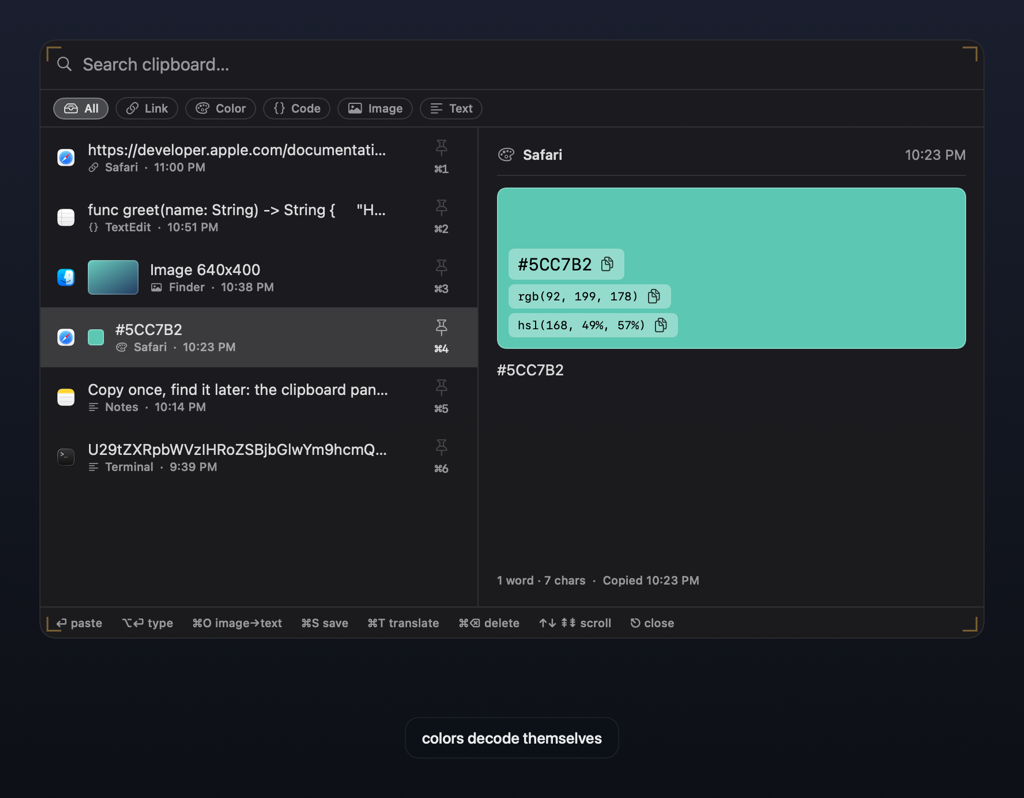
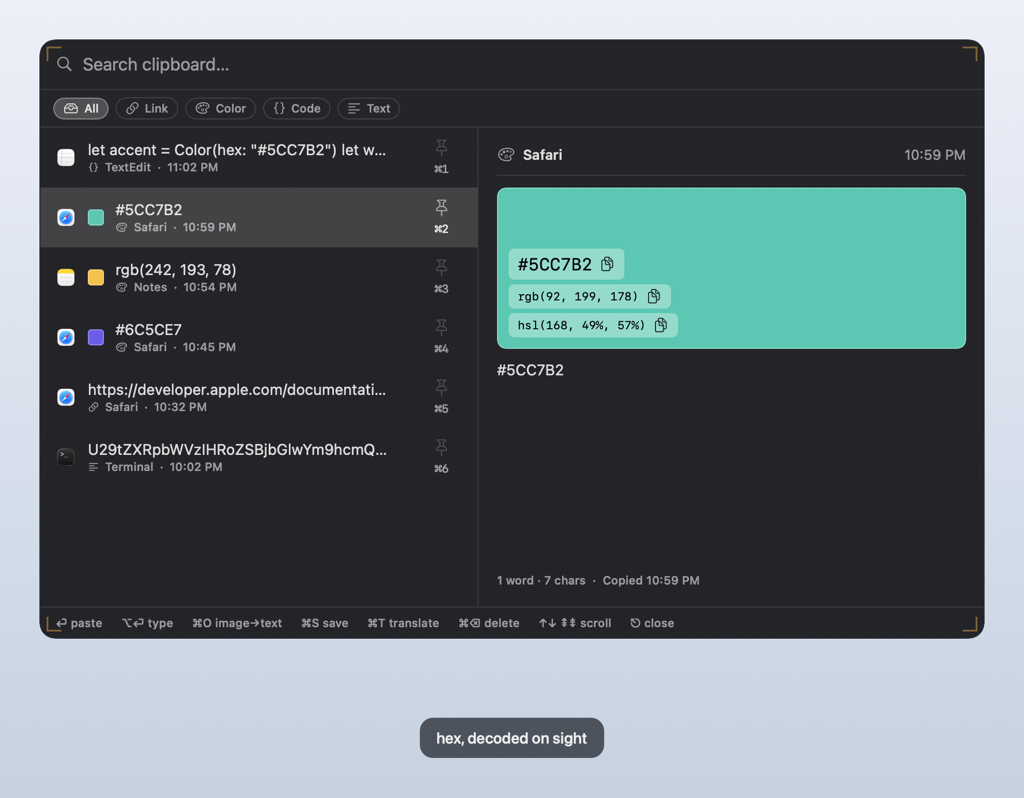
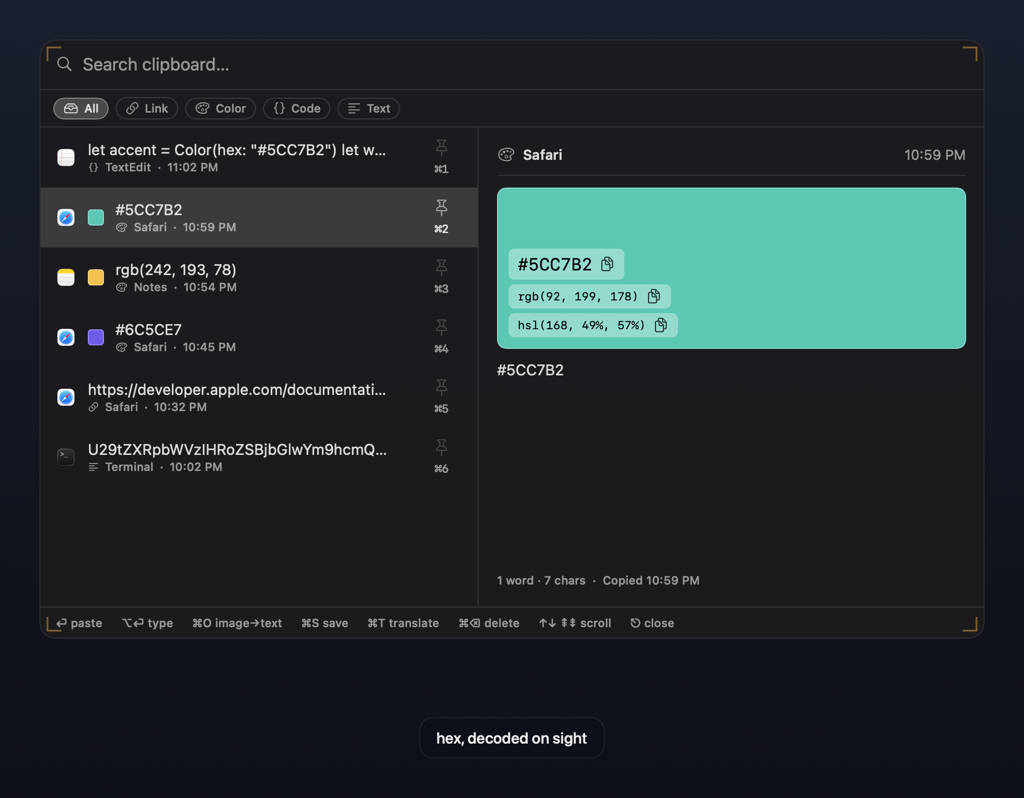
rgb(242, 193, 78) and the preview hands back #F2C14E and the
HSL, each one a click from your clipboard. Recognition runs on your Mac.The loops are served from frisket.app like everything else here, with no third-party player, and they hold still if your system asks for reduced motion. The 14-day trial opens at launch, if you would rather drive it yourself.
Your data never reaches our servers. License checks send only your license.
On-device by design
Keystrokes, clipboard contents, and everything Frisket sees are processed on your Mac. No telemetry, no analytics, no server of ours in the loop.
Your iCloud, not ours
Optional clipboard sync goes to your own iCloud private database — between your Macs, under your account. We never see it.
Honest about every byte
License activation and periodic re-checks send your license key, a hashed machine identifier, and the app version, and nothing else. Update checks fetch one static file, only with your consent.
Read the full privacy page — every network request the app can make, listed.
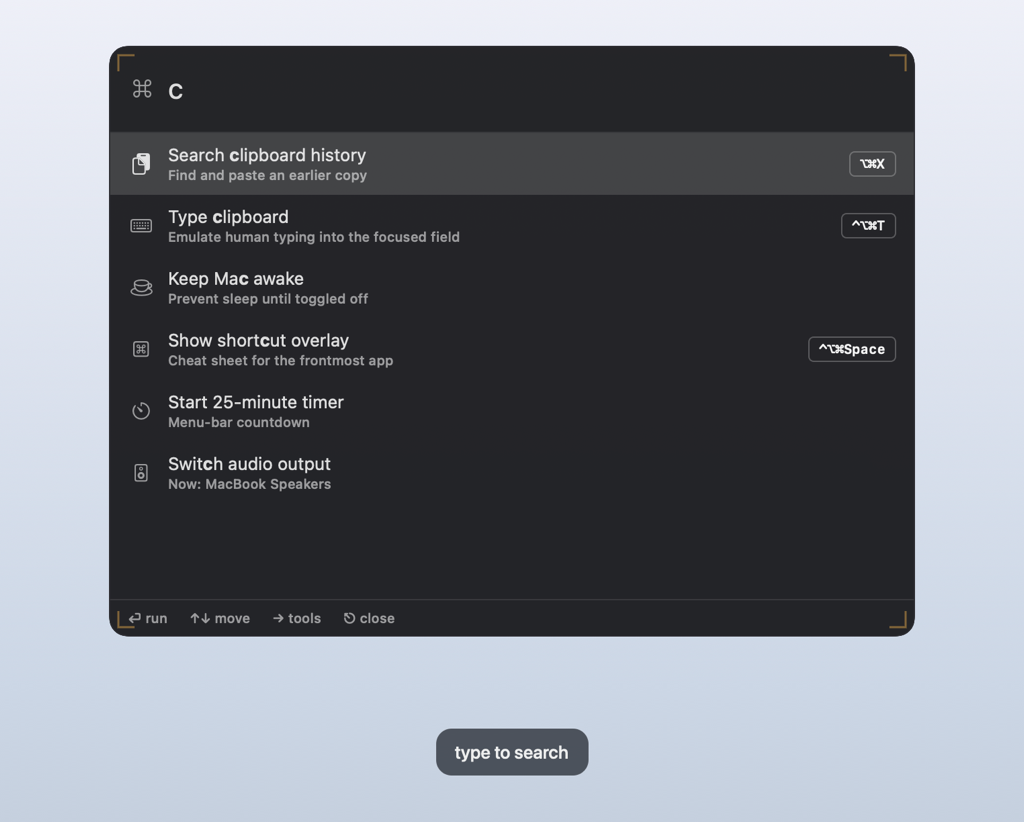
One chord brings a tool forward.
Frisket lives in the menu bar. Press a shortcut and the tool appears over whatever you are doing; press Escape and it is gone. Nothing opens a window you did not ask for.
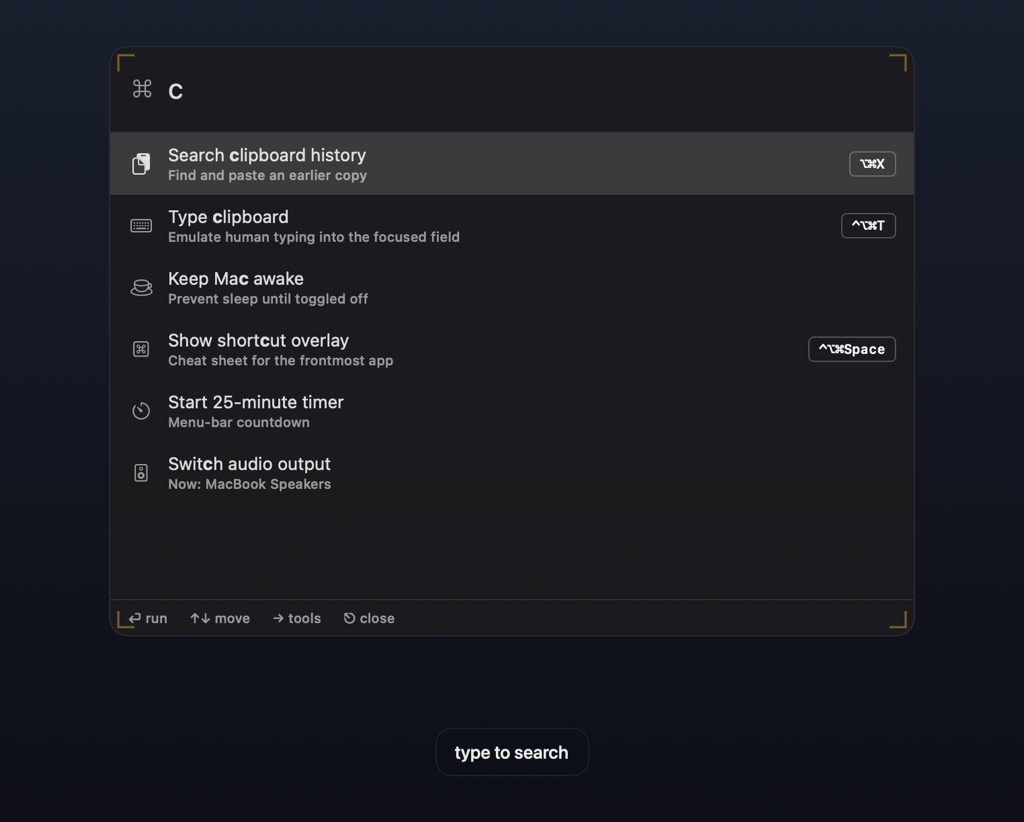
- ⌃⌥⌘P The palette appears. Start typing — apps, commands, files, math, colours and symbols filter as you go. Return runs the top result.
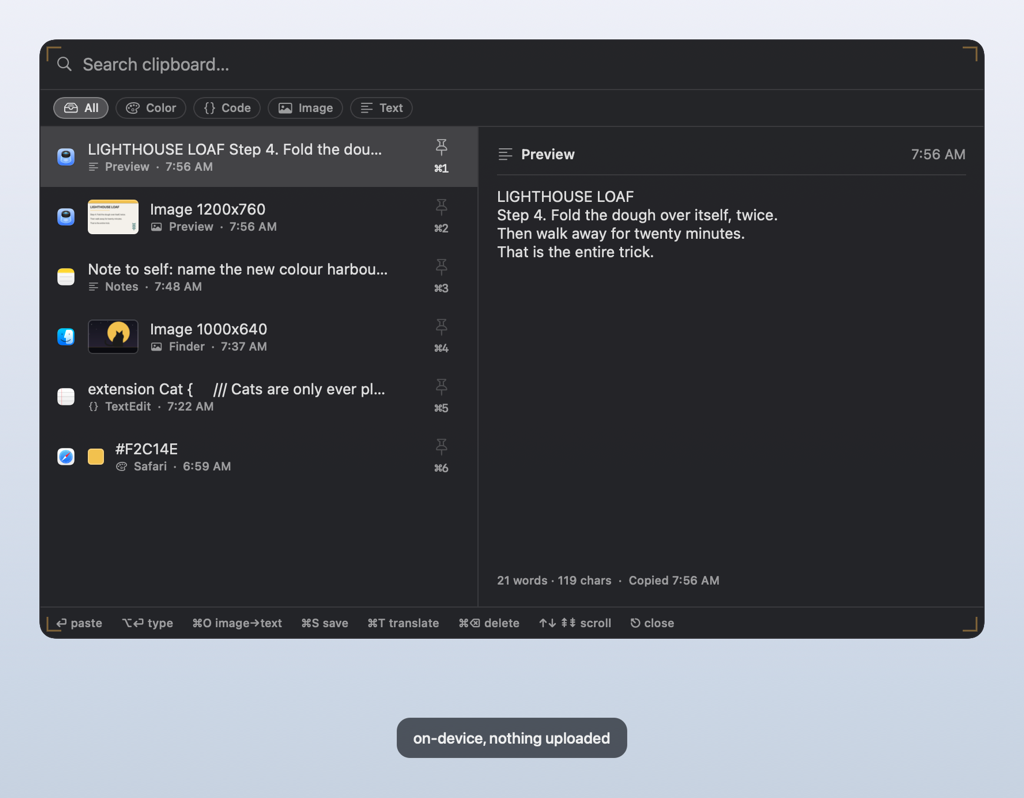
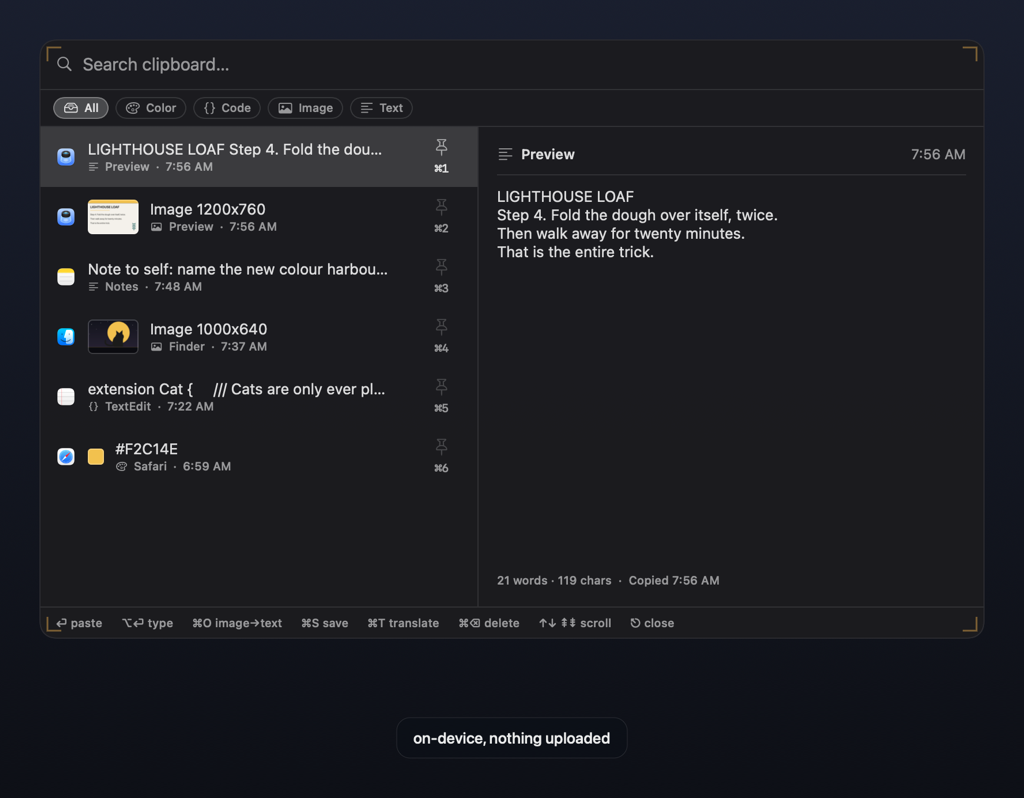
- ⌃⌥C Clipboard history opens. Search everything you have copied, arrow to an item, press Return and it is pasted back where you were.
- ⌃⌥⌘T It types for you. Where paste is blocked, Frisket types the clipboard with a human cadence. Any real keypress stops it instantly.
- ⌃⌥⌘Space The shortcut overlay shows. A translucent cheat sheet of the keys for whatever app is in front of you.
All of these work with no permissions granted. Only typing and paste-back need Accessibility — Frisket asks the first time you use them, and explains why.
One hotkey away, in every app.
Set the chords you want. None of these takes your focus.
Command palette
One fuzzy field for every app and every action.
Clipboard history
A searchable paste panel, over any app.
Human-like typing
Types the clipboard into the focused field, at a human cadence, where paste is blocked.
Cheat-sheet overlay
A translucent, per-app keyboard cheat sheet for the app you are in.
Overlay packages
Timed, hotkey-summoned cheat-sheet overlays — custom and pre-packaged.
Clipboard transforms
Case, JSON, Base64, sort and more — applied straight from history.
Snippet expander
Type a trigger anywhere; it expands to your text.
Symbol & emoji picker
A searchable grid of symbols and emoji to insert.
Calculator & unit conversion
Type math, percentages, or unit conversions right in the palette.
Window snapping & tiling
Snap the frontmost window to halves, quarters, and more.
Quick system toggles
Keep awake, dark mode, and audio output — from the palette.
Timers, Pomodoro & breaks
Countdown timers, Pomodoro cycles, and guided breaks.
Focus & Do Not Disturb
Keeps Frisket quiet during meetings and screen shares.
Contextual app actions
Copy the browser tab's URL or Markdown link, or the Finder selection's path.
One tool. Two ways to own it.
Both plans include every feature, and a free 14-day trial first, with no account. Checkout opens at launch, at these prices.
Lifetime
- Pay once — no renewal
- Every feature, every future update
- Activate on up to 3 of your Macs
- Deactivate anytime to move Macs
Yearly
- Every feature while subscribed
- All updates included
- Activate on up to 3 of your Macs
- Cancel anytime
Our payment provider acts as merchant of record: checkout, taxes, receipts, and refunds. Your license key arrives by email within minutes and activates in the app in seconds. How delivery works · 14-day refund policy · Terms
Questions, answered.
What leaves my Mac?
Three things, each for a named reason. License activation and periodic re-checks send your license key, a hashed machine identifier, and the app version — never your content, never a raw hardware ID. Update checks (optional, asked once, with an off switch) fetch a static release feed. Clipboard sync, if you turn it on, goes to your own iCloud private database. That is the whole list: no telemetry, no analytics. Full details on the privacy page.
How many Macs can I use it on?
A personal license activates on 2–3 of your Macs (the seat count is shown with your license). Moving to a new Mac is one click: deactivate the old one in Settings and the seat frees up instantly.
What is your refund policy?
A 14-day money-back guarantee on every purchase, no reason required. The 14-day trial is the full app, so you can decide before you pay. Refunds are processed by our payment provider, which acts as merchant of record, back to your original payment method. Read the full refund policy.
Are updates included?
Lifetime licenses include every 4.x update. A future major version (5.x) may be offered as a paid upgrade, with a discount for existing licence holders. Yearly licenses include all updates while the subscription is active. Updates are delivered in-app, are signed twice (notarized by Apple and separately signed by us), and update checks only run with your consent — you can turn them off and check manually instead.
This product, at a glance.
What is sold and how it reaches the customer, for anyone assessing this site rather than shopping on it.
- What is sold
- A license for a downloadable macOS application. Digital only — no physical goods, no services, no customization.
- How it is fulfilled
- Automated: a license key is emailed within minutes of payment, the customer pastes it into the app's License pane, and activation is instant. No manual step at any point.
- How it is distributed
- Direct download from this site. Signed with an Apple Developer ID certificate and notarized by Apple.
- Pricing
- Two published plans: Lifetime $89.99 introductory (regular $129.99) and Yearly $29.99 first year, then $49.99 per year. Same price for everyone.
- Trial
- 14 days, the complete application, no account and no payment details.
- Refunds
- 14-day money-back guarantee, processed by the merchant of record.
- Company
- MOSAIC PARADIGM, LLC. Apple Developer Program organization account, Team ID 34SK3ZNW7U.
- Current status
- Private beta, preparing for public launch. Checkout is not open yet; the trial is.
The full product and company summary · How delivery works · Terms · Refunds · Privacy